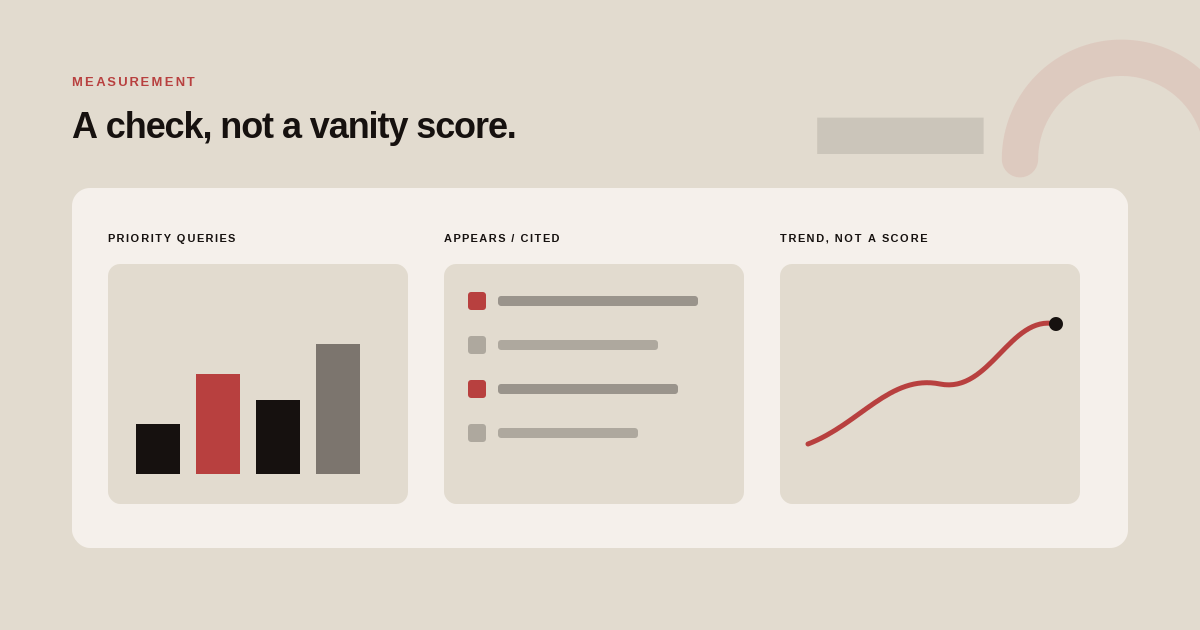
You cannot manage what you never look at, and AI answers are easy to over-claim. The honest approach is to use the official reporting you actually have, then add a simple, repeatable manual check for the queries that matter to the business.
What Google Search Console includes
Google’s documentation on AI features and your website says that sites appearing in AI features such as AI Overviews and AI Mode are included in the overall search traffic in Search Console. In particular, they are reported in the Performance report, within the “Web” search type. The same page points to Google’s explanations of how that traffic is counted, how to look at changes over time, and how to combine Search Console with Analytics.
That is the official picture: you should expect AI Overview and AI Mode activity to sit inside your ordinary Web performance data, not in a separate, official “AI citations” scoreboard that this article can point to. If your clicks or impressions move after AI Overviews start appearing on your queries, investigate in the Performance report first, then confirm in the live results.
Google has also said, in John Mueller’s May 2025 post on succeeding in AI search, that when people click through from results pages that include AI Overviews, those clicks tend to be higher quality, in the sense that users are more likely to spend more time on the site. That is a reason to watch engagement and conversions, not only raw click counts. It is not a promise that every site will see the same pattern.
A practical monthly check
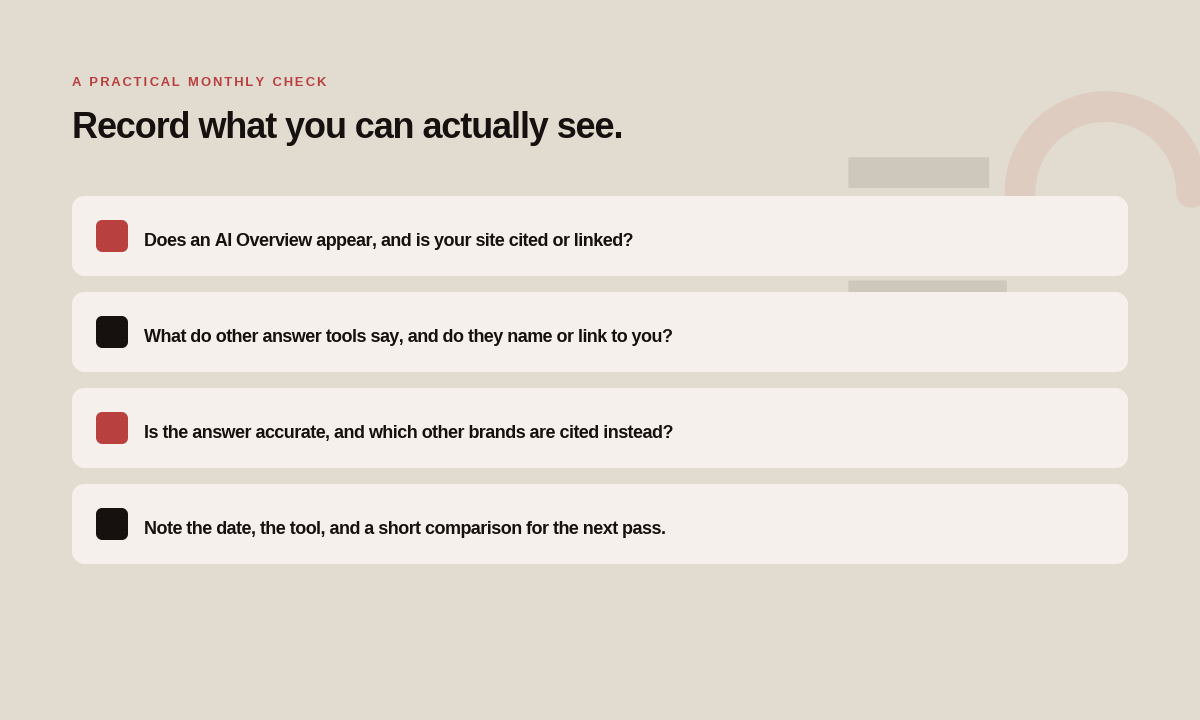
Reporting in Search Console will not tell you the wording of an AI answer, or whether you were cited, ignored or misrepresented. For that, keep a short list of priority queries (the questions your buyers actually ask in South Africa, the UK or the US) and test them on a schedule. For each query, record:
- Whether a Google AI Overview appears, and whether your site is cited or linked.
- What ChatGPT, Perplexity and Gemini say, and whether they name or link to you. For ChatGPT search, remember that eligibility depends in part on allowing OAI-SearchBot.
- Whether the answer is accurate, and which other brands are cited instead.
- The date, the tool, and a short note or screenshot, so you can compare the next pass.
Do this in the same logged-out or controlled conditions each time, as far as you can, because personalisation and experiments can change what you see. A spreadsheet is enough. The point is a trend, not a single lucky screenshot.
What not to treat as a score
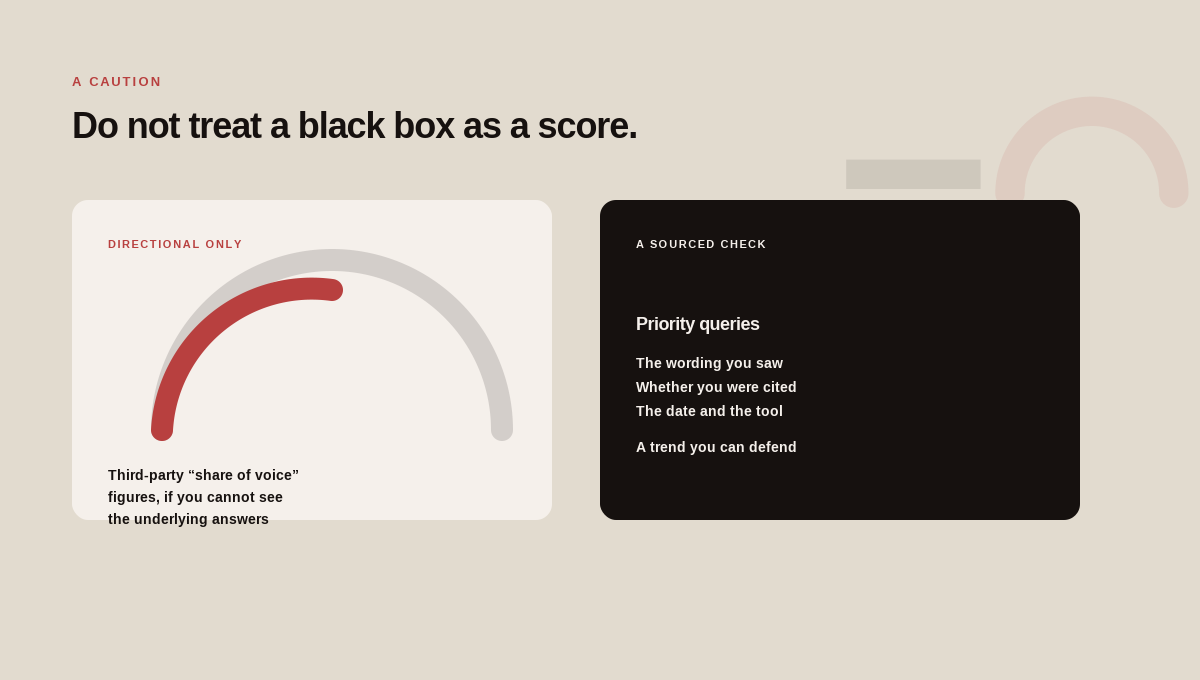
Third-party “share of AI voice” tools can be useful prompts for further checking. They are not official Google or OpenAI measurements, and they should not be the only number you report to a client or a board. Do not invent a percentage you cannot source. If a tool cannot show you the underlying queries and answers, treat the figure as directional only.
If you would rather have this baseline done for you, the AI Search Visibility Audit checks visibility for your priority queries across Google AI Overviews, ChatGPT, Perplexity and Gemini, then gives you a prioritised plan. For ongoing reporting, see Reporting and Insights, or contact Elevate Online.
Sources
- Google Search Central, “AI features and your website”, last updated 10 December 2025, including the section on measuring performance: developers.google.com/search/docs/appearance/ai-features
- John Mueller, “Top ways to ensure your content performs well in Google’s AI experiences on Search”, 21 May 2025: developers.google.com/search/blog/2025/05/succeeding-in-ai-search
- OpenAI, “Overview of OpenAI Crawlers”: developers.openai.com/api/docs/bots
Want this checked on your own site?
The AI Search Visibility Audit reviews how your brand appears in Google AI Overviews, ChatGPT, Perplexity and Gemini, then gives you a prioritised plan. It costs R6,500.00 and typically takes 5 to 7 working days. You can also send an enquiry or book a 20-minute call.